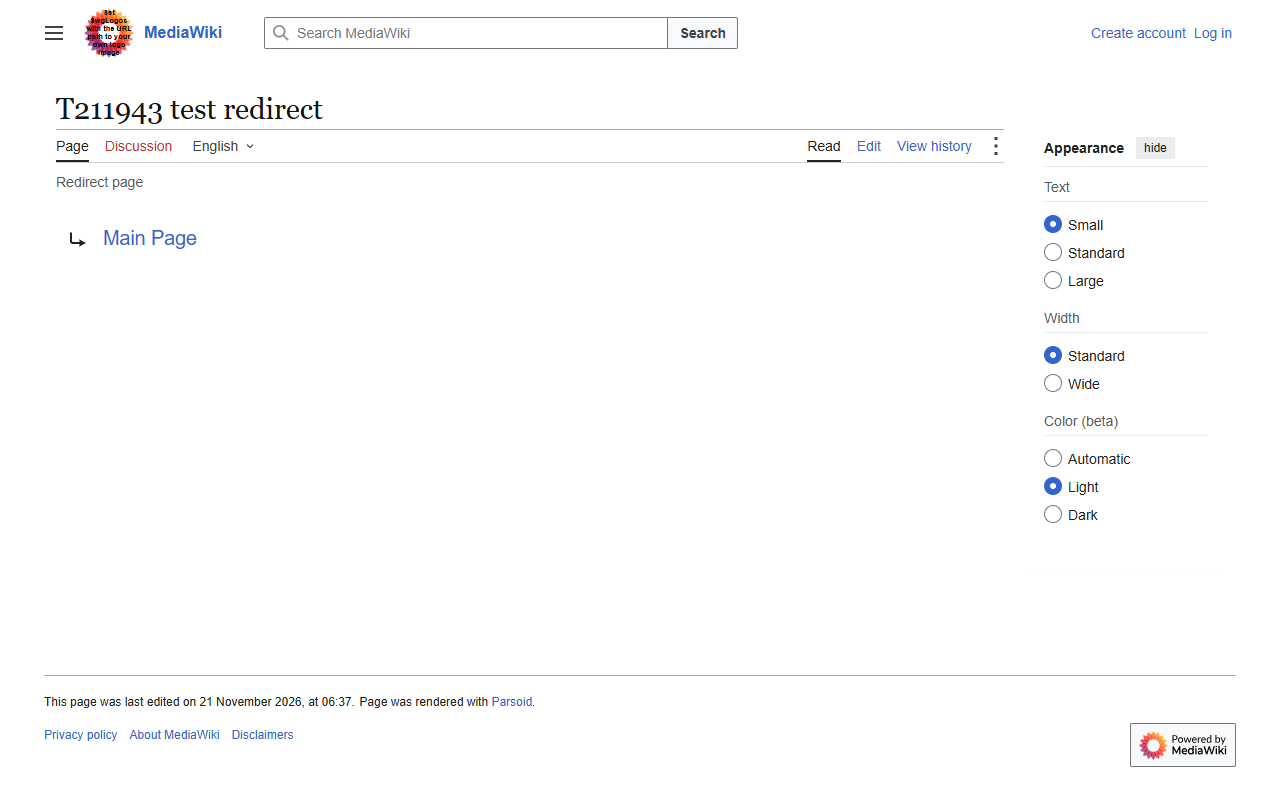
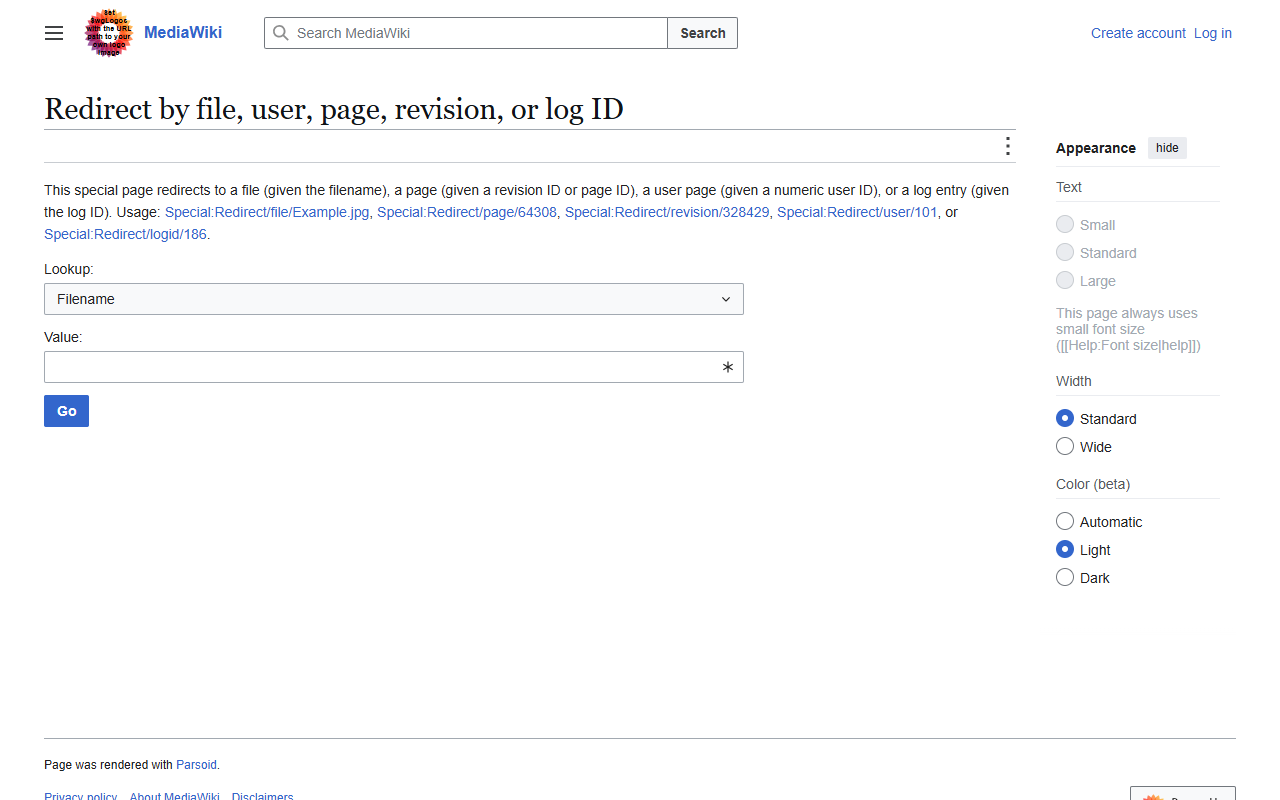
The watchlist clock icon shows without JavaScript
People who watch pages for a limited time now always see the small clock next to those pages, even without JavaScript, and it no longer jumps in size while the page loads.
Before and after
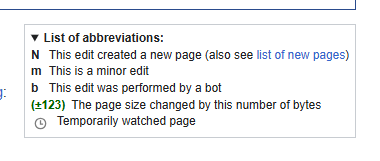
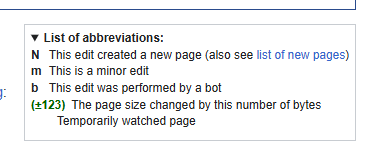
The problem
You can watch a page for a week or a month, and the watchlist then shows a small grey clock next to it. Without JavaScript, the clock was missing completely. With JavaScript, it first appeared big and dark, and then shrank a moment later, which looked like a flicker on every page load.
What I changed
The clock's look (its picture, size and colour) used to arrive late, together with a script. Now it is sent together with the page itself, so it is right from the first moment. This also applies to the clock in the "List of abbreviations" box on Recent Changes. An automatic test checks that the styles are sent with the page.
Where it runs now
Waiting for review on Gerrit (MediaWiki core).
Related contributions
 In review
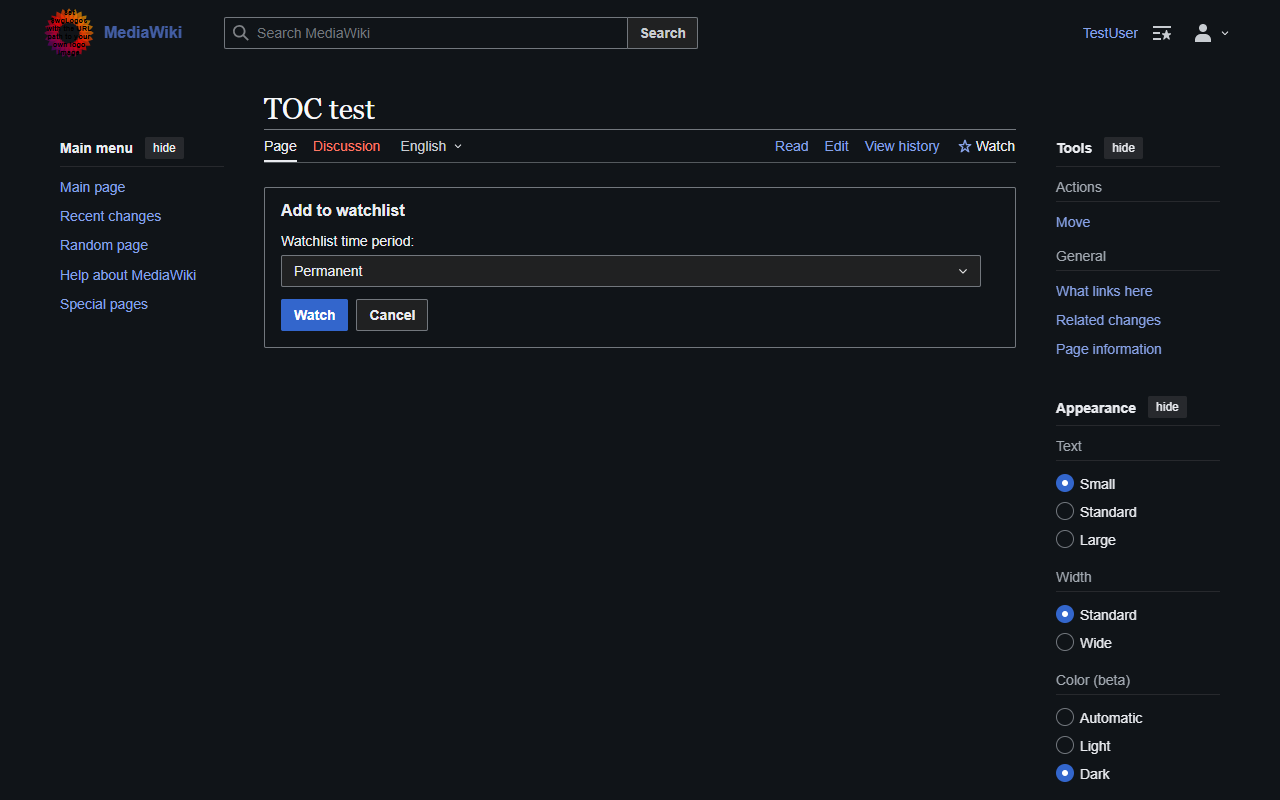
A Cancel button on the "Add to watchlist?" page
People who watch pages without JavaScript, for example on basic phones, can now change their mind and go back to the page with one click.